Stickman Factory!1.2
Publisher Description
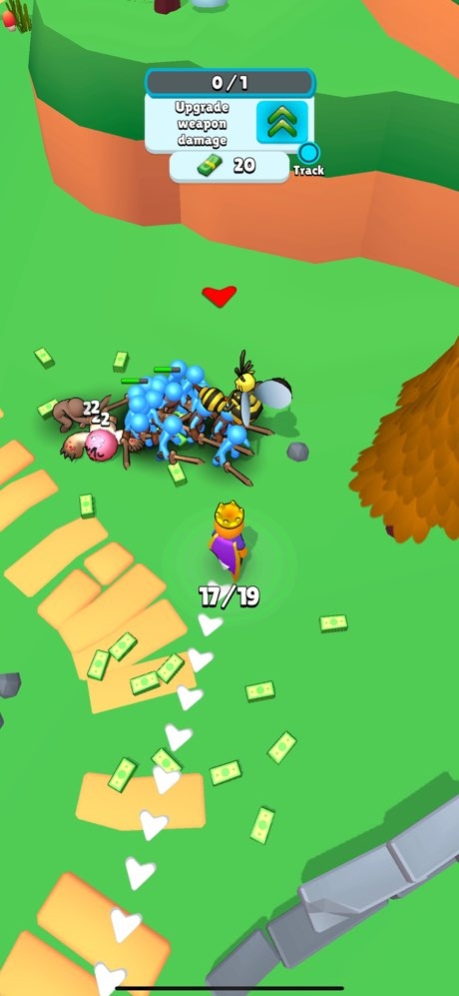
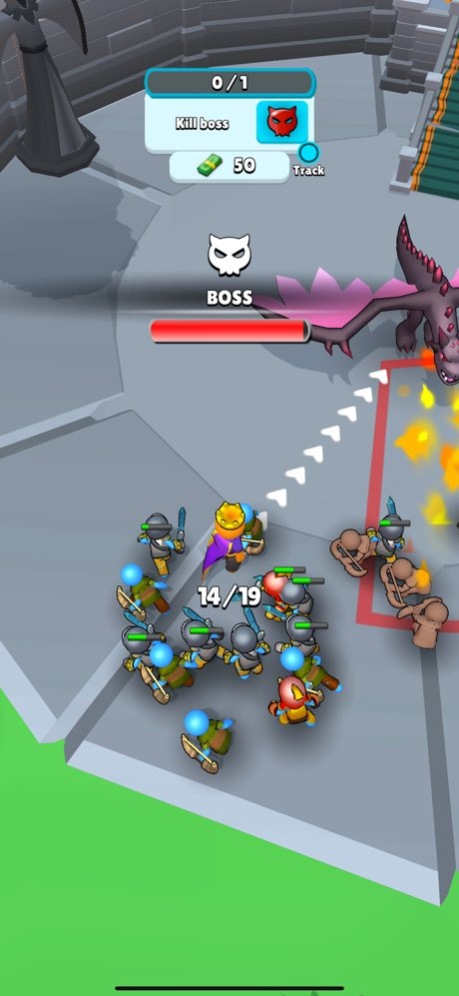
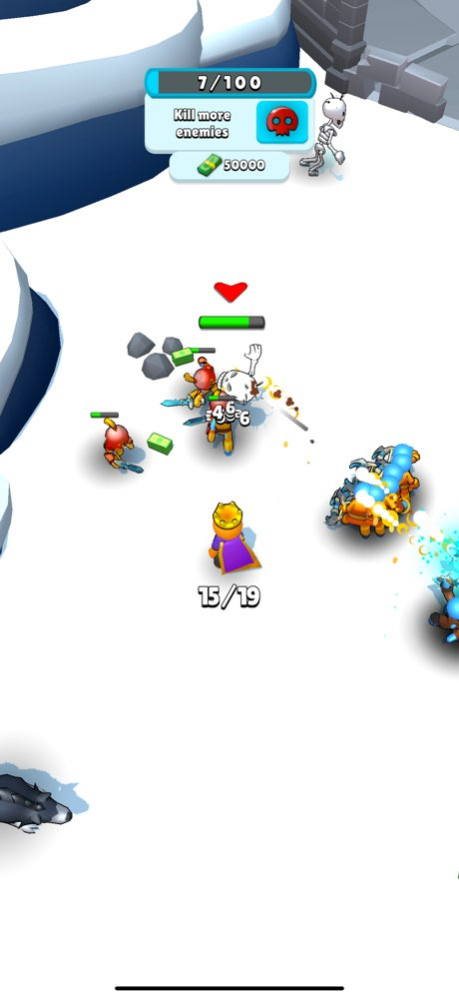
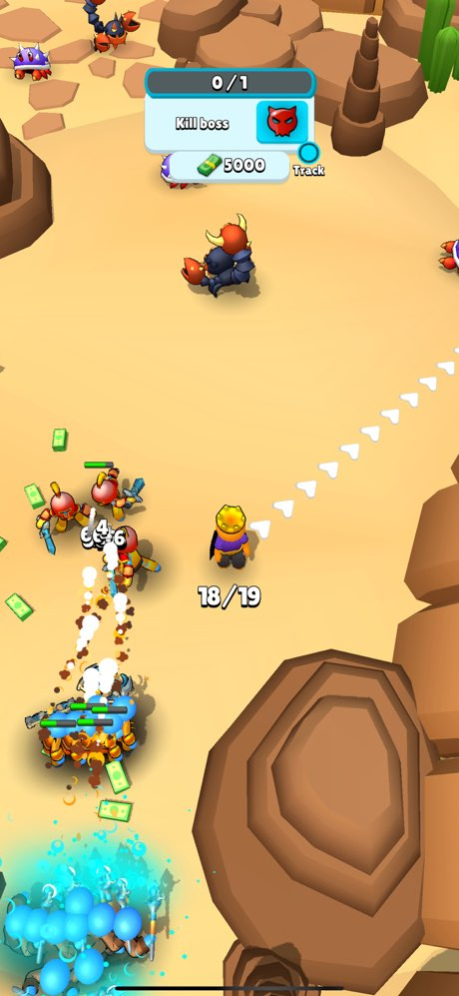
Step into the shoes of a mighty king and save your kingdom! Your castle is equipped with advanced stickman-producing machines that create and arm your loyal warriors. As the king, you will lead these brave stickmen beyond the castle walls to battle fierce monsters and face powerful bosses in your quest to clear each level.
Game Features:
- Joystick control for precise navigation
- Stickman-producing machines to build your army
- Equip stickmen with swords and armor
- Upgrade your king and machines for enhanced performance
- Battle various monsters and formidable bosses
- Progress through increasingly challenging levels
- Strategic gameplay with resource management
Embark on this epic journey to conquer all the monsters and prove your dominance. Are you ready to lead your kingdom to victory and become the ultimate ruler? The adventure awaits!
Version History - Minor bug fixes 1.2 06/25/2024 Minor bug fix 1.1 06/20/2024 1.0 06/20/2024
About Stickman Factory!
The company that develops Stickman Factory! is MIDPOLY OYUN YAZILIM TASARIM DANISMANLIK HIZMETLERI VE TICARET ANONIM SIRKETI. The latest version released by its developer is 1.2.
To install Stickman Factory! on your iOS device, just click the green Continue To App button above to start the installation process. The app is listed on our website since 2026-10-15 and was downloaded 0 times. We have already checked if the download link is safe, however for your own protection we recommend that you scan the downloaded app with your antivirus. Your antivirus may detect the Stickman Factory! as malware if the download link is broken.
How to install Stickman Factory! on your iOS device:
- Click on the Continue To App button on our website. This will redirect you to the App Store.
- Once the Stickman Factory! is shown in the iTunes listing of your iOS device, you can start its download and installation. Tap on the GET button to the right of the app to start downloading it.
- If you are not logged-in the iOS appstore app, you'll be prompted for your your Apple ID and/or password.
- After Stickman Factory! is downloaded, you'll see an INSTALL button to the right. Tap on it to start the actual installation of the iOS app.
- Once installation is finished you can tap on the OPEN button to start it. Its icon will also be added to your device home screen.
Program Details
General
System requirements
Download information
Pricing
Version History
version 1.2
posted on 2026-10-15
Version History - Minor bug fixes 1.2 06/25/2024 Minor bug fix 1.1 06/20/2024 1.0 06/20/2024
